
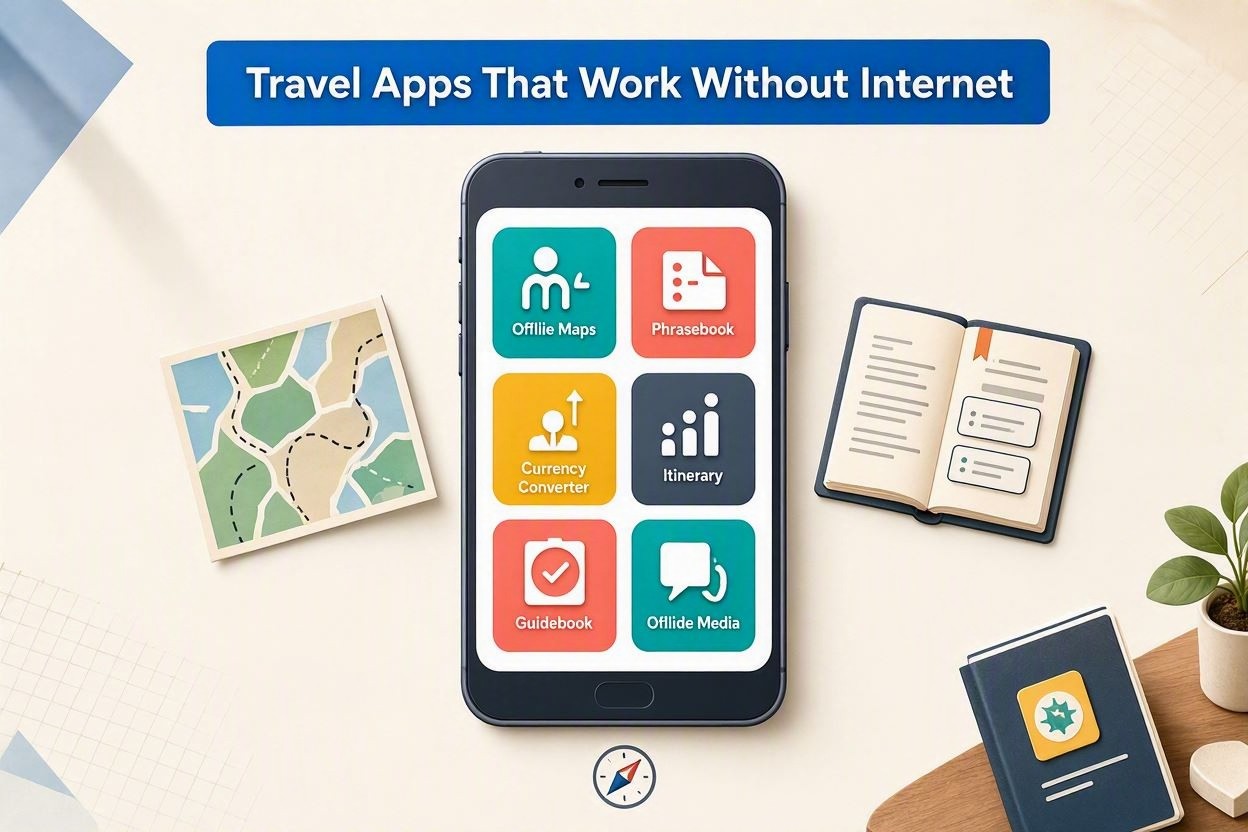
Good travel planning should not depend on perfect Wi-Fi or cheap mobile data. In airports, mountain villages, tunnels, national parks, and foreign cities, an offline app can save time, money, and stress. The best travel apps that work without internet let you navigate, translate, manage reservations, check documents, and stay organized even when your phone has no signal. The key is choosing the right tools and preparing them before you leave.
Why Offline Travel Apps Matter
Roaming plans are easier to buy than they used to be, but they are not always reliable. Coverage can disappear quickly outside city centers, and public Wi-Fi can be slow, restricted, or unsafe. Offline apps give you control in moments when connection is unavailable or when you simply do not want to expose personal data on open networks.
They are especially useful for travelers who visit multiple countries, drive abroad, hike, use public transport, or need access to documents at border checks and hotel desks. Offline functionality also helps preserve battery life because your phone does not need to constantly search for a network.
Best Offline Map and Navigation Apps
Google Maps
Google Maps remains one of the most practical options for offline city travel. You can download specific areas before departure and use them for driving routes, street searches, saved places, and basic business information. It is not perfect offline - walking, cycling, and live transit data may be limited - but for general orientation it is dependable and familiar.
Maps.me
Maps.me is built around offline navigation and uses OpenStreetMap data. It is strong for walking routes, small roads, trails, viewpoints, hotels, and restaurants. Many travelers prefer it in destinations where mainstream map data is less detailed. Download the country or region in advance and keep the app updated, because local roads and paths change.
Organic Maps
Organic Maps is a privacy-friendly alternative that also works offline with OpenStreetMap data. It is lightweight, simple, and useful for hiking, cycling, and city exploration. Since it avoids many tracking features and unnecessary distractions, it is a good choice for travelers who want clean navigation without constant notifications.
Offline Translation and Language Help
Google Translate
Google Translate can work offline if you download the required language packs. It supports typed translation and, for many languages, camera translation for signs, menus, and labels. Offline translation is not as polished as online translation, but it is often good enough for transport, food, directions, and simple conversations.
Microsoft Translator
Microsoft Translator also offers downloadable languages and phrase support. It is useful when you want a backup translator or when a specific language performs better than in another app. For important phrases, save translations before your trip so you can show them quickly without typing under pressure.
Booking, Documents, and Trip Organization
TripIt
TripIt organizes flights, hotels, rental cars, tours, and restaurant reservations into one itinerary. Once your trip is synced, many details remain available offline. This is helpful when an airline counter asks for a booking reference or when a taxi driver needs your hotel address and your email will not load.
Airline and Hotel Apps
Most major airline and hotel apps can store boarding passes, confirmation numbers, loyalty details, and check-in information. Before traveling, open each app while connected to the internet and confirm that the needed documents are visible. Screenshots are still wise because some apps require occasional reauthentication.
Password Managers
A reputable password manager with offline access can be extremely valuable abroad. It stores logins for airlines, banks, insurance portals, and booking services. Choose one that supports secure local vault access and unlocks with a strong master password or biometrics. Never store passport scans or bank details in plain notes.
Offline Money, Safety, and Practical Tools
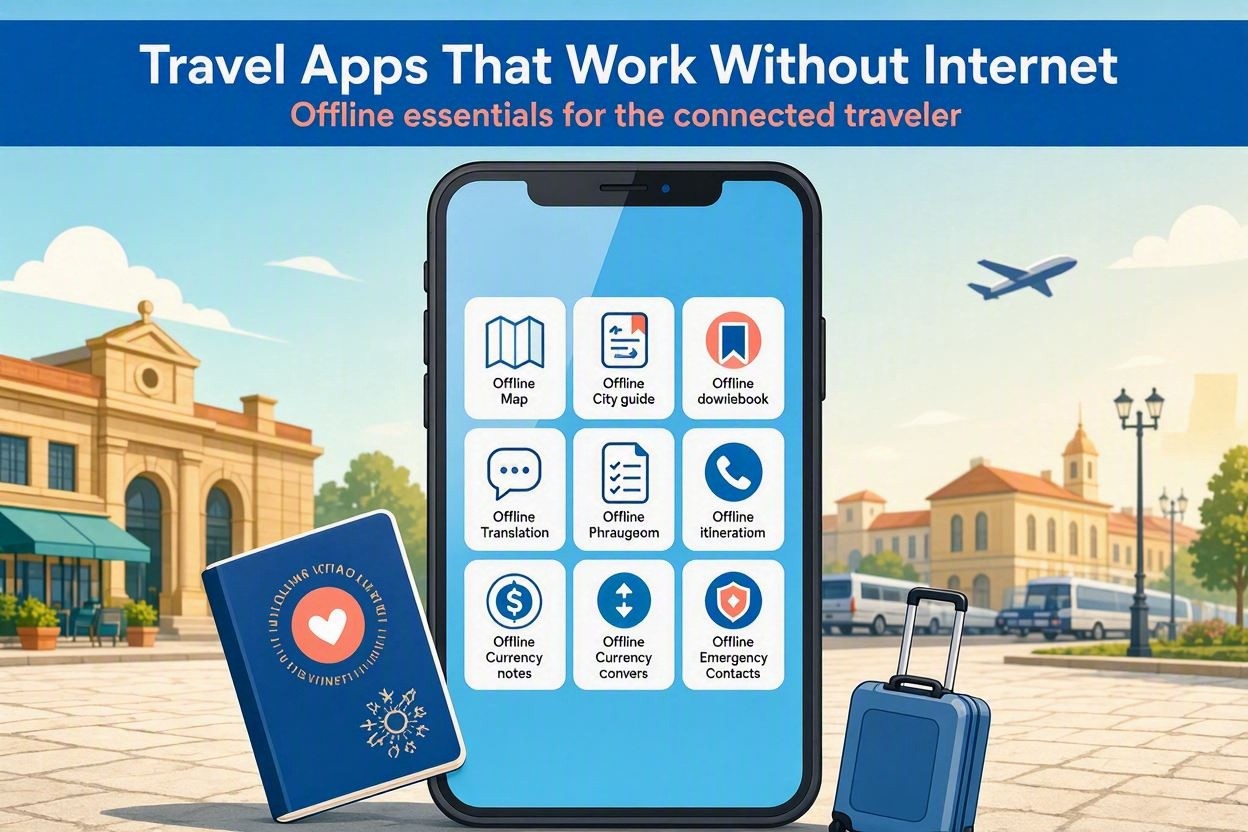
Travel is not only about maps and hotels. Some of the most useful offline apps handle everyday problems: converting prices, storing emergency details, checking first aid steps, or reading saved guides. These tools are small, but they reduce uncertainty when you are tired or in a hurry.
- XE Currency - save exchange rates before you go and estimate prices offline.
- Splitwise - track shared travel expenses and sync later when internet returns.
- Smart Traveler or government travel apps - save embassy contacts and safety information.
- First aid apps - access basic emergency guidance without a signal.
- Pocket or saved browser pages - keep travel guides, restaurant lists, and transport notes offline.
How to Prepare Apps Before You Travel
Offline features only work if you prepare them in advance. Do not wait until you are at the airport gate or already abroad. Use a stable Wi-Fi connection at home and make sure every app has the files, permissions, and account access it needs.
- Download offline maps for every city, region, and route you expect to use.
- Install language packs for the countries you will visit, including transit stops.
- Open booking apps and confirm that reservations load without refreshing.
- Save boarding passes, hotel addresses, insurance documents, and visa confirmations.
- Test airplane mode and check which apps still work as expected.
- Update apps before departure, then avoid unnecessary updates during the trip.
- Carry a power bank, because offline navigation can still drain the battery.
What Offline Apps Cannot Do
Offline apps are powerful, but they are not magic. They cannot provide live traffic, last-minute platform changes, ride-hailing availability, real-time flight disruptions, or current restaurant opening hours without a connection. Treat offline information as a strong backup, not a replacement for fresh data when fresh data matters.
For critical travel days, combine offline tools with occasional secure internet access. A local eSIM, hotel Wi-Fi, or airport connection can update routes and bookings, while your offline apps remain ready if the signal disappears again.
Final Advice
The best travel apps that work without internet are the ones you have tested before you need them. Choose a reliable offline map, download a translator, organize reservations, save key documents, and keep practical tools for money and safety. With a prepared phone, you can move through unfamiliar places with confidence, even when the network fails.
